


|
Works great in crowded
2.4GHz
areas or VoIP
Applications.
Basic
Description:
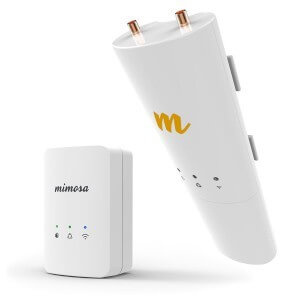
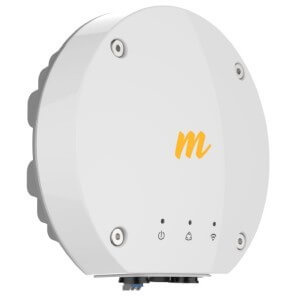
This Point to Point
Wireless Bridge includes a pair of indoor access points, 25ft.
LMR-400 coaxial cables, inline lightning arrestors and
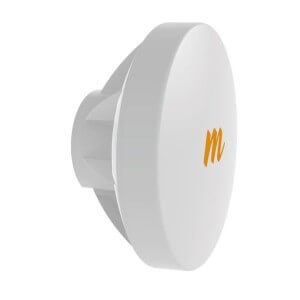
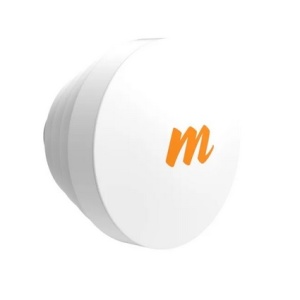
outdoor 16dBi directional patch antennas. This means that
only a single, small antenna is required on the outside of each
location. Once the AP's are installed at each location,
the Wireless Bridge operates as a transparent bridge, and will
pass all network traffic between your two locations. The
Wireless Bridge operates similar to an invisible Ethernet cable
connecting your two locations. Each antenna has a beam
width of about 20°, so aligning the antennas is easy.
Furthermore, you will have the ability to view real time signal
strength, link quality, and noise level, using the web based
configuration. Each AP has a static IP address, used
strictly for web based configuration, and troubleshooting.
Connection to Network:
To connect the access
point to your network at each location, a single Cat5 Ethernet
cable is used. A 5ft. cable is included for each location.
(If you need more cable, a maximum length of up to 300ft. can be
used) The Cat5 Ethernet cable connects directly from the
indoor access point to your network (Router/PC/Switch etc.)
At the MAIN location,
you will typically connect to an open LAN port on the back of
your existing router, or switch. At the REMOTE location,
you can connect either directly to a PC if you only have a
single computer, or you can connect to an indoor wired/wireless
router. This will allow you to run multiple computers over
the wireless bridge.
Maximum Range & Interference:
With clear, un-obstructed line of sight between your two
locations, a maximum range of 1/2 mile can be achieved using
this link.
Each access point has a 18dBm maximum
output power. This works great for short range
Point-to-Point applications, as well as Client applications.
Inline amplifiers can be installed for long range installations
and to avoid
noise issues and to meet local regulatory requirements.
For applications that require transfer of very large files, video
transmission, or large amounts VoIP (Voice over IP) traffic, it is recommended that
you choose a FULL DUPLEX, 5GHz Point to Point link, which will
not only avoid all
2.4GHz interference, but offer much faster throughput, and lower
jitter rates. A full duplex, Point to Point Wireless Bridge
will also offer lower latency, which increases performance.
For distances less then 2 miles, use the following full duplex
link: GNS-LIGOPTP-PRO
Security Features:
This Wireless Point to Point bridge operates as a transparent
bridge. It is similar to an invisible Ethernet cable
connecting your two locations. It includes multiple
security options including WEP/WPA/WPA2. It also has
ability to enable MAC address authentication so that only the
two access points are able communicate. You can hide the
network SSID, and because the beam width of the antennas is
directional, (about 20°) the signal is not being broadcasted in
all directions, only in the direction you aim the outdoor
antenna.
If you have any other questions, please contact our
Pre-Sales/Technical Support Dept. at (516) 214-0321.
If you are connecting two locations, and desire the 108Mbps
transfer rate, place the first Access Point in
"AP mode", and the second Access Point in "Client Mode".
When set to Super G Static Mode, these AP's will allow bursting
of packets which increase the transmission and speed over the
wireless point to point bridge. Contact us for more
information.
Note: These antennas do not require
Line-of-Sight to each other in order to establish a secure, reliable
connection at short range, but they do require that you have Near Line-of-Site (nLOS). If
you have LOS between your two locations, then you will have a
stronger connection then the nLOS solutions. (Near Line of Site)

|