
Wireless Bridge Technology Guide
Wireless Bridge Frequencies Explained
Choosing the right frequency is one of the most important parts of designing a reliable point-to-point link. Learn when to use 900 MHz, 2.4 GHz, 5 GHz, or 60 GHz based on trees, distance, speed, and line of sight.
The Art of Choosing the Right Frequency
A wireless bridge is not just two radios pointed at each other. Frequency determines how much capacity you can move, how far the link can reach, and how well the signal handles trees, buildings, and interference.
900 MHz
Once the favorite for wooded paths. Better through light vegetation, but low capacity and far fewer modern product options.
2.4 GHz
Useful for short-range links with light obstacles and modest speed needs. It is not usually the first choice for high-capacity links.
5 GHz
The workhorse frequency for shops, garages, barns, cameras, farms, and many long-range property links.
60 GHz
Massive capacity and almost no interference, but it needs clean line of sight and is best for shorter links.
High Capacity Links
Why 60 GHz Has So Much Capacity
60 GHz is not just a faster version of 5 GHz. It has access to much wider channels, which is the real reason it can move so much data between buildings.
Think of Channel Width Like a Highway
A 5 GHz wireless bridge commonly operates using 20 MHz, 40 MHz, 80 MHz, or 160 MHz channel width. That is enough for many shops, barns, garages, remote offices, and small camera systems.
A 60 GHz system uses up to 4,000 MHz Channel width depending on the equipment and configuration. That is a dramatically larger highway for data.
Simple Capacity Comparison
More channel width means more room to carry traffic, which is why 60 GHz is a strong fit for high-capacity applications.
Where 60 GHz Makes Sense
Use 60 GHz when the link has clear line of sight and the application needs high throughput, low latency, and very clean spectrum.
- 4K security cameras
- Large camera systems
- Business networks
- Sharing gigabit internet
- Short-range high-capacity building links
- Avoids all 5 GHz and 2.4 GHz Interference
The Tradeoff: 60 GHz Needs a Clean Path
60 GHz does not push through trees, bend around buildings, or stretch as far as 5 GHz. It is excellent for clear, short-range links — often around 1/2 mile or less — but it is not the right fit for wooded paths or blocked line-of-sight conditions.
Frequency Selection by Real-World Conditions
900 MHz: The Old Tree Solution
For years, 900 MHz was the answer when trees were in the way. It could often maintain a usable link through light vegetation where higher frequencies struggled.
Today, most 900 MHz systems have gone away because modern applications need more bandwidth. Cameras, VoIP, cloud software, and video streaming demand more capacity than traditional 900 MHz systems were built to deliver.
2.4 GHz: Short Links With Light Obstacles
2.4 GHz can still be useful where a short link needs to tolerate a little more obstruction than 5 GHz.
It is not usually the right choice for high-capacity networks, but it can still solve simple short-range jobs where speed is not the priority.
5 GHz: The Everyday Workhorse
5 GHz is the most common choice for shops, garages, barns, farms, security cameras, and many longer-range property links.
For short-range connections to garages, shops, or a small number of cameras, the GNS-1193AC is a cost-effective option. For longer paths, the GNS-1153AC and GNS-1155AC provide additional range and capacity.
60 GHz: High Capacity, Clear Path
For 4K cameras, high camera counts, business networks, and sharing gigabit speeds, 60 GHz is often the best choice.
The GNS-5660 and GNS-5461 are designed for high-capacity links with virtually zero interference, but they require clear line of sight and are generally better for shorter distances.
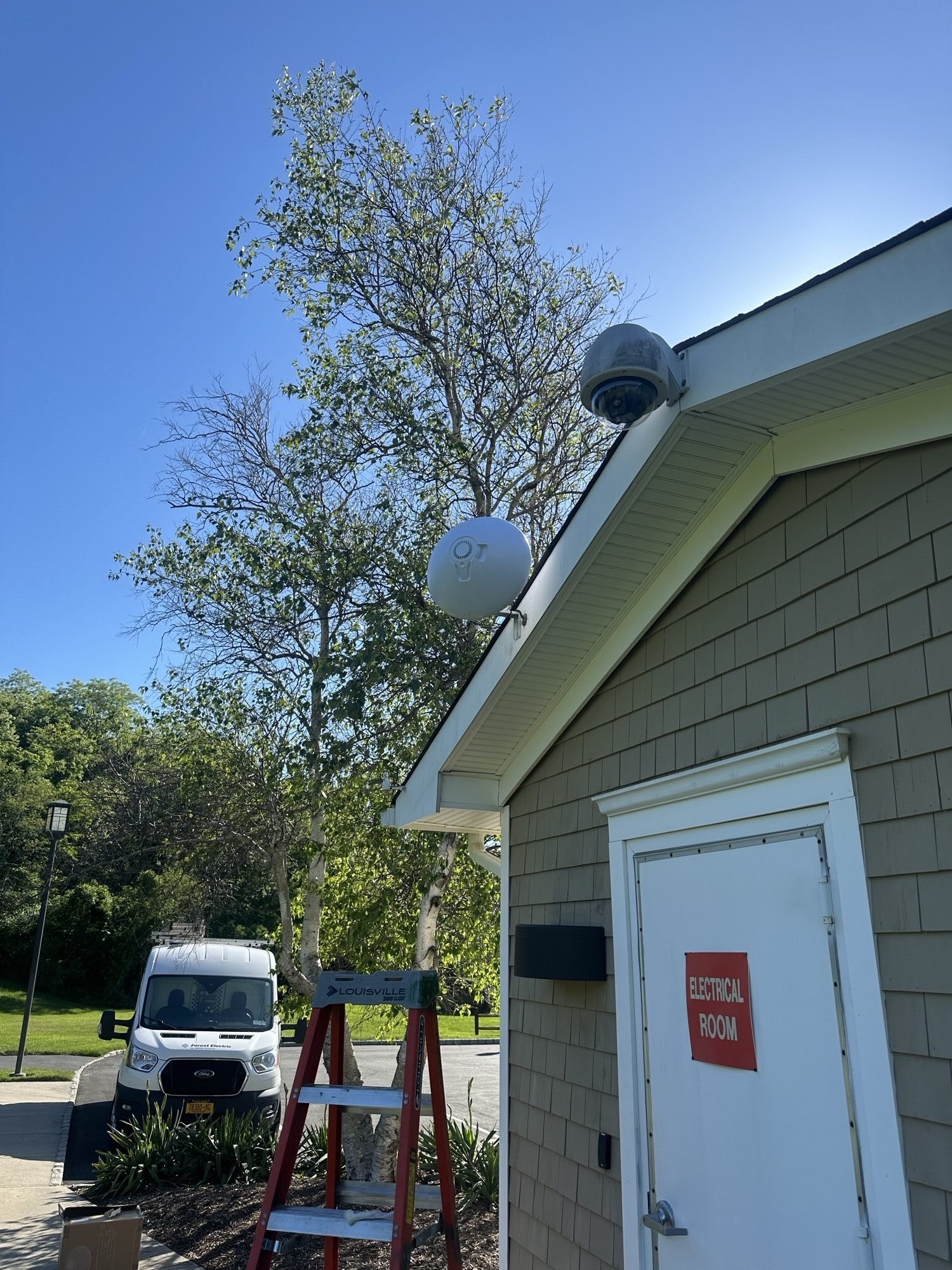
Installation Planning
Line of Sight Matters More Than Anything
A wireless bridge is strongest when both radios have a clean, visible path to each other. Distance matters, but the quality of the path often matters even more.
A Few Trees
For short-range links, 5 GHz can sometimes work when a few trees are present. Speeds may be lower, but a usable link is often still possible when the distance is short and the obstruction is light.
Dense Woods or Forest
If the path runs through dense woods, heavy vegetation, or a forest, contact GNS Wireless before purchasing equipment. 900 MHz used to be the answer for these paths, but most modern 900 MHz bridge options have gone away.
Hills and Terrain
Hills are a major problem. If the radios cannot physically see each other because the ground is in the way, the link will usually fail or perform poorly. Raising the mounting height may help, but terrain blockage must be taken seriously.
Buildings in the Path
Buildings depend on distance and capacity requirements. A short link sharing basic internet may tolerate more obstruction than a link expected to carry gigabit speeds, VoIP, or many 4K cameras.
Recommended GNS Systems by Distance
Distance is only one part of the design. Trees, line of sight, mounting height, speed, and interference all affect the final recommendation.
| Path Distance | Recommended System | Best Use | Notes |
|---|---|---|---|
| Up to 500 ft | GNS-1193AC | Garage, shop, small cameras, basic internet browsing | Cost-effective, Easy to Install short-range choice |
| Up to 1,000 ft | GNS-1183AC or GNS-5660 | Starlink sharing, business links, cameras | Use 60 GHz when high capacity is required and clear line of sight is available |
| Up to 3,000 ft | GNS-1153AC | Barns, farms, remote buildings, cameras | Strong 5 GHz option for longer point to point links |
| Around 1 mile | GNS-1155AC | Long range property links | Good fit when distance becomes the priority |
| 2+ miles | GNS-5526-HD | High-capacity long-distance networks | Contact us for link review and product selection |
Which Frequency Should You Choose?
Trees in the Way?
900 MHz used to be the answer, but most modern 900 MHz options have disappeared. Short links may still work with 2.4 GHz or 5 GHz.
Clear Line of Sight?
Use 60 GHz for 1 Gbps or more with the GNS-5660 or GNS-5461. Use 5 GHz for a more cost-effective short-range link.
Need Long Range?
Use the GNS-1155AC for longer 5 GHz links or the GNS-5526-HD for higher-capacity long-distance requirements.
Not Sure?
Send us the distance, photos, and details about trees, hills, or buildings. We will recommend the right frequency and bridge system.
Wireless Bridge Frequency FAQs
Is 60 GHz better than 5 GHz?
60 GHz is better for high capacity, low latency, and interference-free short links with clear line of sight. 5 GHz is usually better for longer distances, lower cost, and links that need to tolerate minor obstructions.
Can 5 GHz work through trees?
For short-range links, a few trees may be acceptable. Dense woods or a forested path should be reviewed before equipment is selected.
Why did 900 MHz go away?
900 MHz was useful for wooded paths, but it offered limited throughput. As networks required more speed for cameras, cloud applications, VoIP, and video, manufacturers shifted toward higher-capacity 5 GHz and 60 GHz systems.
What should I use for gigabit internet sharing?
For short-range links with clean line of sight, 60 GHz systems such as the GNS-5660 or GNS-5461 are typically preferred for gigabit or multi-gigabit requirements.
Need Help Choosing the Right Frequency?
Send us the distance, link path, photos, and what you are trying to connect. We will help select the right bridge system before you buy.
Call: 877-209-5152 | Email: sales@gnswireless.com